
Self service
Customer Portal
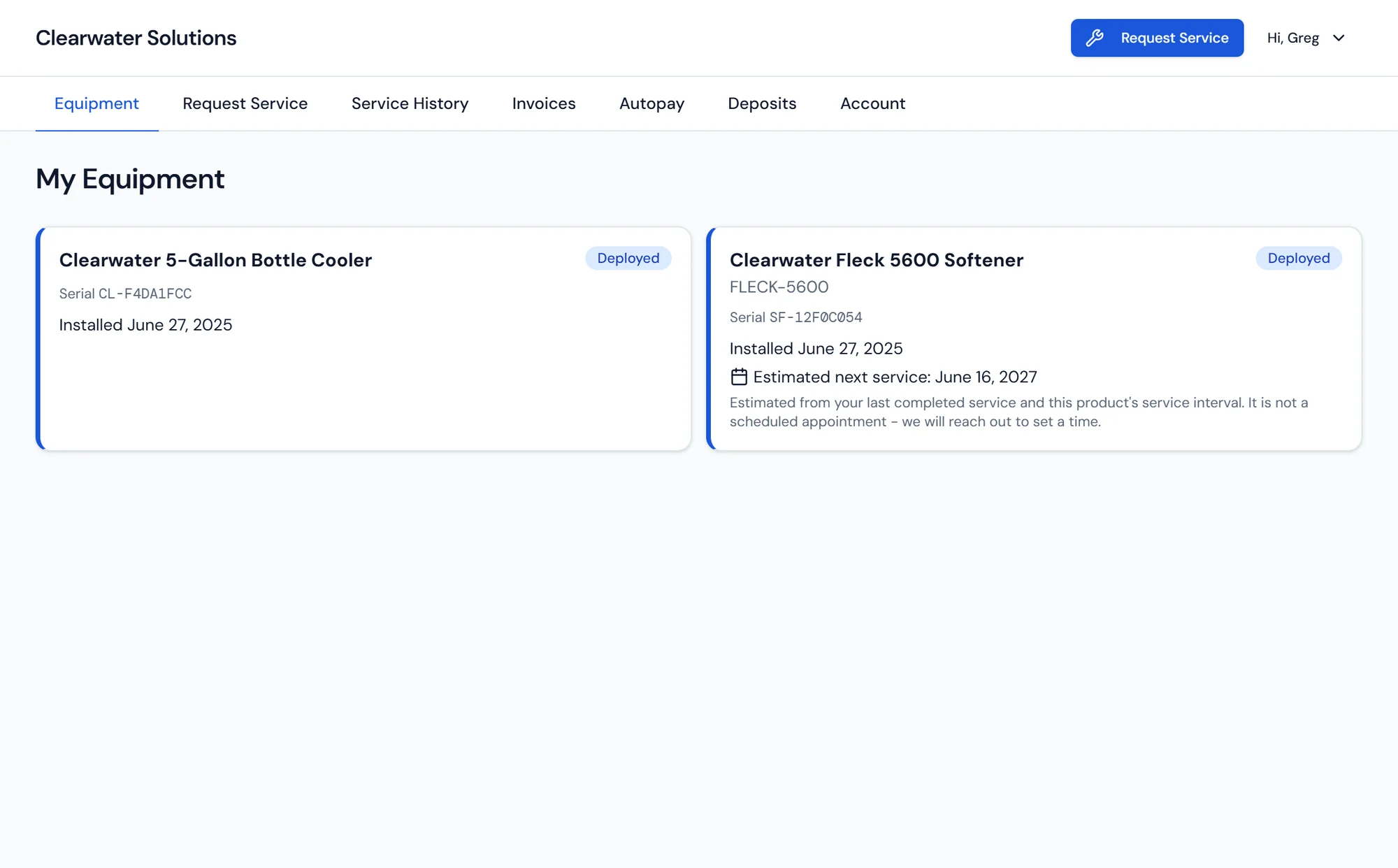
What the customer sees: their equipment, its status, and their account activity.
What it does
Self service that still runs through your office
Portal access is granted per customer from the customer record. Your office decides who gets a login, and the customer sets their own password from the invite email. That keeps the portal a deliberate part of the relationship rather than an account everyone has and nobody uses.
Once inside, a customer sees the equipment deployed at their properties, the status of each unit, and their service history. A customer with several buildings sees each property under the account that pays for them. A large share of the calls a CSR takes are variations on when were you last here and what did you do, and those calls stop when the customer can read the answer themselves.
Billing is self service too. Customers view their invoices, pay them, and manage the payment method on file. Those payments post against the same invoice records your office works from, so there is no separate ledger to reconcile and no window where the portal and the office disagree.
Service requests
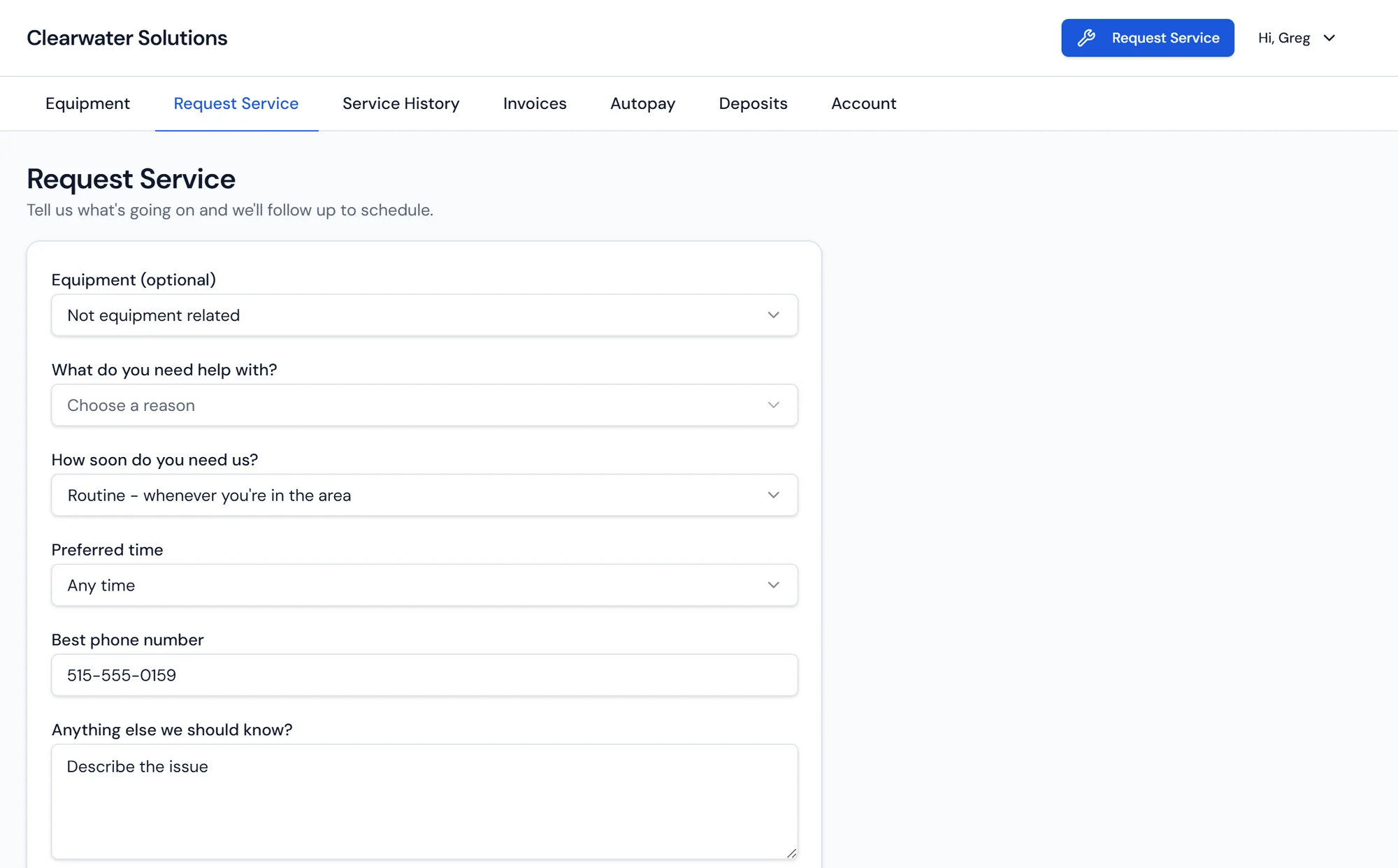
The customer asks, your office decides
A request is tied to the specific unit the customer is having trouble with, so your team knows the equipment and its history before anyone picks up the phone.
Requests arrive for review rather than landing on the calendar. Your dispatcher turns the ones that need a visit into scheduled work orders and handles the rest with a call.
What's included
Per customer access
Portal access enabled deliberately from the customer record.
Customer set passwords
The customer sets their own password from the invite email.
Equipment view
Every deployed unit at every property on the account.
Service history
Past visits and what was done, readable without a phone call.
Invoice access
Open and past invoices visible to the customer.
Online payment
Pay invoices online against the same records your office works.
Payment method management
Customers update the card or bank account on file themselves.
Service requests
Requests tied to a specific unit, submitted any time.
Portal questions dealers ask
What the portal pulls from
Customers and CRM
One customer record holding properties, equipment, billing setup, and full service history.
Learn moreBilling and Payments
Invoices, recurring billing, payments, statements by property, collections, and a GL export.
Learn moreScheduling and Work Orders
A calendar of work orders and service appointments by day and by tech.
Learn more
Give customers a portal that shows real account data.
Balances, deliveries, and service requests without a phone call.