
The customer record
Customers and CRM
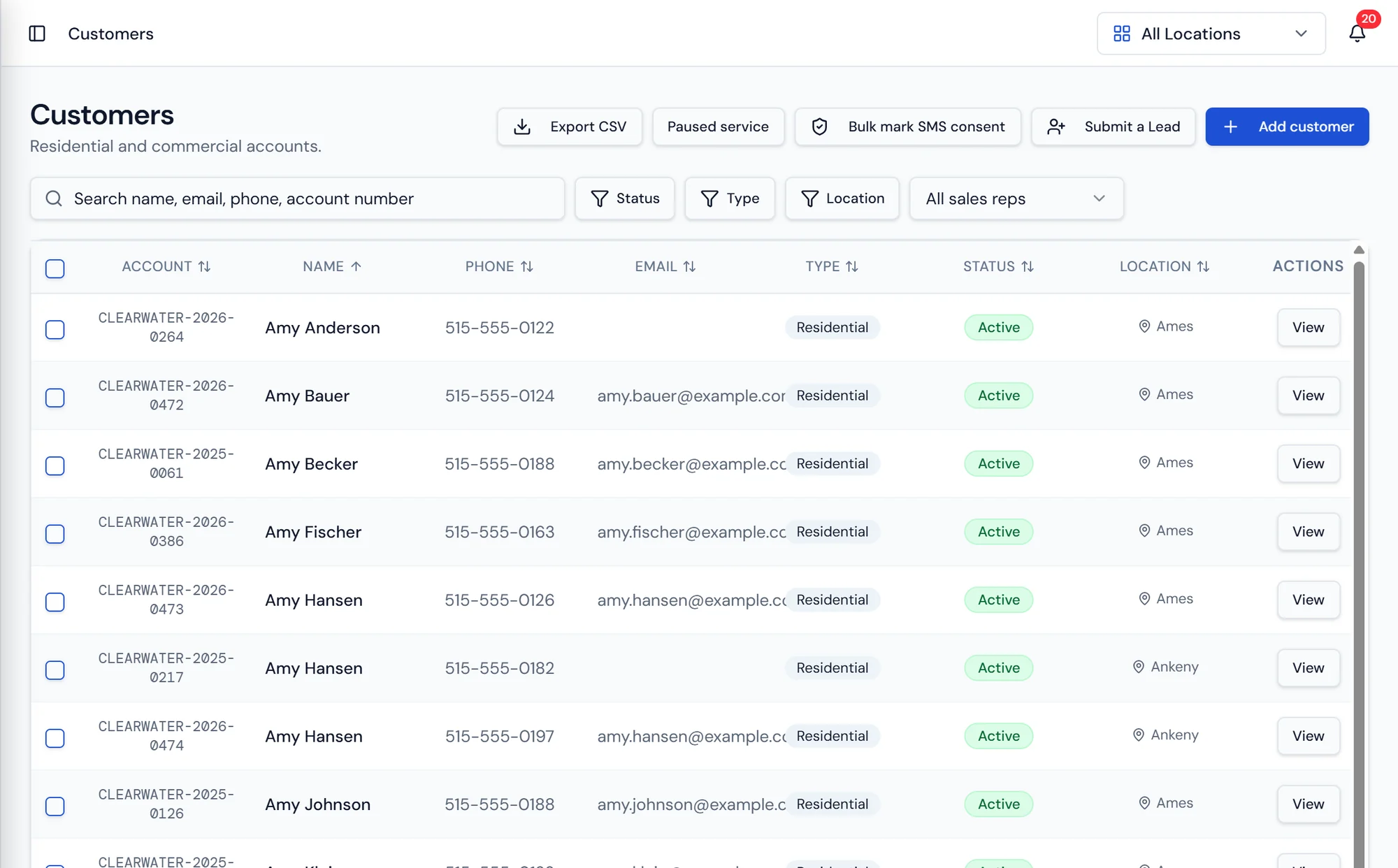
Residential and commercial accounts in one list, filtered by location and status.
What it does
One record, the whole relationship
Everything a dealership knows about a customer sits in one place. The account holds the properties they own or lease, the equipment placed at each of those properties, the route assignments that put a truck at their door, the billing setup that decides how they are invoiced, uploaded files such as signed agreements and water test results, notes from anyone on staff, and the full service history going back to the install.
A property is a service address belonging to a customer. That distinction does real work. A restaurant group with six locations is one customer with six properties, and each property can sit on a different route, hold different equipment, and carry its own delivery instructions, while billing still rolls up to the account that pays. Routes and work orders are always scheduled against a property, so the driver and the tech know exactly which door to walk up to.
Account numbers carry over. When your data is imported, existing account numbers are preserved, so the number printed on the customer's old statement is the number in Purio. Numbers are preserved again on export, which keeps you honest with your accountant and free to leave if you ever want to. Customer import and export both run on CSV.
Customer detail
Everything a CSR needs on one screen
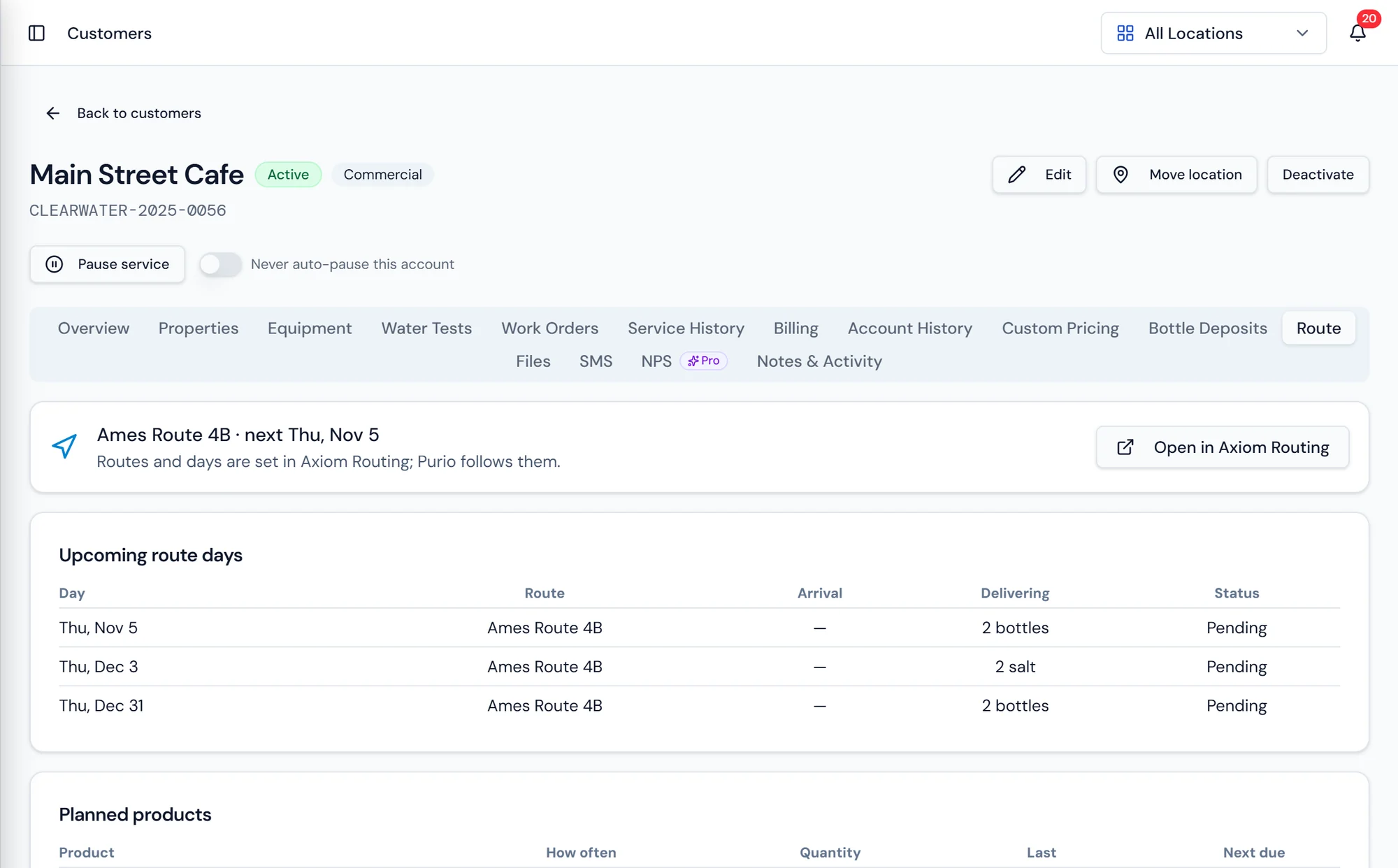
The detail view puts contact information, quick stats, the properties on the account, the payment methods on file, and the recent activity in front of whoever picked up the phone.
Notes and files stay attached to the customer, so the reason a credit was issued two years ago is still readable by the person handling the call today.
What's included
Customer record
Contact details, status, location, and the account number carried over from your old system.
Multiple properties
One customer, as many service addresses as they have, each with its own routing and equipment.
Equipment on the account
Every serialized unit placed at each property, with its install date and service schedule.
Route assignments
See which route and day each property is on, synced from Axiom Routing.
Billing setup
Payment methods, recurring charges, and how this customer is invoiced.
Delivery and statement preferences
Per customer overrides for how invoices and statements are delivered.
Statements by property
Each property's balance plus an overall total, or a separate statement for each property.
Files and notes
Agreements, water tests, and internal notes attached to the account permanently.
Full service history
Deliveries, work orders, and portal requests on one timeline.
Questions about customer records
What connects to the customer record
Billing and Payments
Invoices, recurring billing, payments, statements by property, collections, and a GL export.
Learn moreCustomer Portal
Customers view their account, pay invoices, and request service online.
Learn moreEquipment and Rentals
Serialized units tracked individually, whether they are on rent or sold.
Learn more
Put every property, bottle, and invoice on one record.
One place to see what a customer has, owes, and is scheduled for.