
Numbers you can act on
Reporting
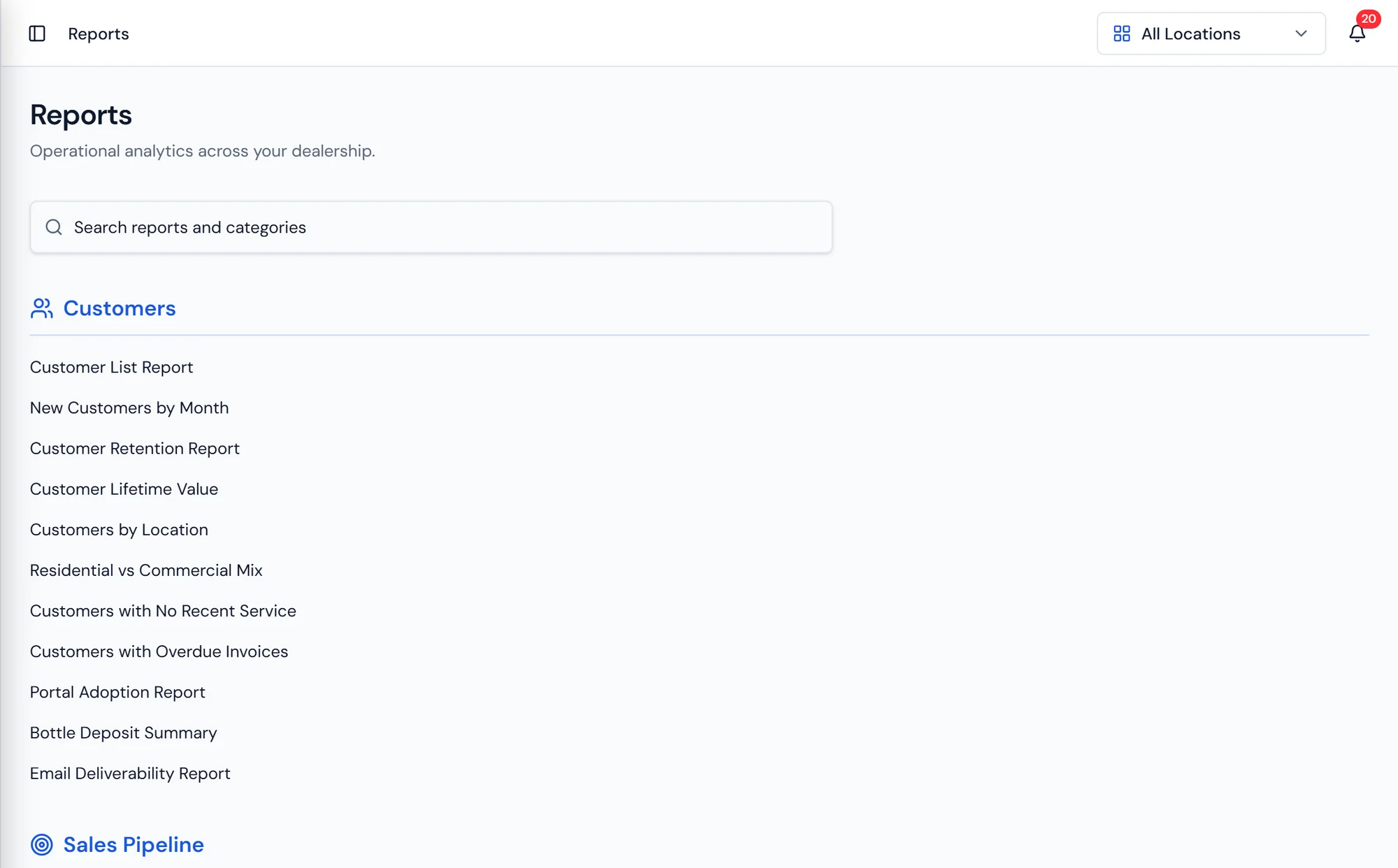
The reports hub, grouped by category, with each report scoped by location.
What it does
Numbers that come from the work, not a re entry
Reporting in Purio is not a separate warehouse of data that someone has to keep in sync. Every report reads the operational records directly: the invoices your office sent, the work orders your techs closed, the route days your drivers ran, the counts your warehouse recorded. When a tech completes a job in the afternoon, that job is in the report that evening.
The hub is organized by the question being asked. Revenue reporting covers what was billed and collected. Counter sales cover the walk in side of the business. Work order reporting covers what field service produced. Inventory reporting shows stock positions by location, and open purchase orders shows what is ordered and not yet received, which is usually where a warehouse surprise hides. Bottling reporting covers production runs. Pipeline reporting covers leads and stages. Security deposits have their own reporting, which matters when rental equipment is out in the field against a held deposit.
Every report is scoped by location. A dealership running three branches reads one branch on its own when a manager asks about their own numbers, and reads all of them together when the owner asks about the business. Location scoping is not an afterthought here, it is the same location structure that inventory, routes, and permissions use.
What's included
Revenue reporting
What was billed and what was collected across the period.
Counter sales
The walk in side of the business reported separately.
Work order reporting
What field service scheduled, completed, and produced.
Inventory reporting
Stock positions by product and by location.
Open purchase orders
What is ordered and not yet received, before it becomes a surprise.
Bottling reporting
Production runs, quantities, and lots.
Pipeline reporting
Leads by stage, by rep, and by source.
Security deposits
Deposits held against equipment in the field.
Reporting questions dealers ask
Where the numbers come from
Billing and Payments
Invoices, recurring billing, payments, statements by property, collections, and a GL export.
Learn moreInventory and Bottling
Stock by location, purchase orders and reorder points, and bottling runs.
Learn moreRio AI Assistant
The assistant built into Purio, answering how to questions on every plan.
Learn more
Close the month without a spreadsheet.
Revenue, routes, and inventory reported from live operational data.